In this post, I want to share an example of handling bespoke structured messages with the Kafka Connect MQ Source Connector.
The MQ Source Connector gets data from MQ messages and produces it as events on Kafka topics. The default record builder makes a copy of the data as-is. For example, this can mean taking a JMS TextMessage from MQ and producing a string to Kafka. Or it can mean taking a JMS BytesMessage from MQ and producing a byte array to Kafka.
In my last post, I showed an example of using the XML record builder, to read XML documents from MQ and turn them into structured Kafka Connect records. From this point, I could choose the format I want the data to be produced to Kafka in (e.g. JSON or Avro) by choosing an appropriate value converter (e.g. org.apache.kafka.connect.json.JsonConverter or io.apicurio.registry.utils.converter.AvroConverter).
But what if your MQ messages have a custom structure, but you still want Kafka Connect to be able to parse your messages and output them to Kafka in any format of your choice?
In that case, you need to use a record builder that can correctly parse your MQ messages. In this post, I’ll explain what that means, show you how to create one, and share a sample you can use to get started.
In this post, I’ll walk through a demo of using IBM Event Processing to create an Apache Flink job that calculates summaries of messages from IBM MQ queues.
This is a high-level overview of the demo:
A JMS/Jakarta application puts XML messages onto an MQ queue
A JSON version of these messages is copied onto a Kafka topic
The messages are processed by a Flink job, which outputs JSON results onto a Kafka topic
An XML version of the results are copied onto an MQ queue
The results are received by a JMS/Jakarta application
In this post, I’ll share a demo I gave today to explain some of the processing nodes in the palette of IBM Event Processing.
I’ve found that demonstrations of Event Processing are easier to understand when I don’t need to explain the stream of events I’m processing in the first place. This means I’m always looking for interesting real-world event streams that are widely understood, as they can make for the most effective demos.
With this in mind, today I tried explaining a few of the Event Processing nodes by using them with a live stream of events representing pages that are being created and edited in the English Wikipedia.
who made the edit (user ID if logged in, or IP address if anonymous)
was this the creation of a new page, or an edit of an existing page?
Every edit on Wikipedia results in an event on the Kafka topic, so there are typically a few events a second. It’s not a super-high-throughput topic in Kafka terms, but there are enough events to try out interesting ideas.
This is by no means an exhaustive list of what you could do with this data, but it was enough to let me show what the most commonly-used tools in the palette can do.
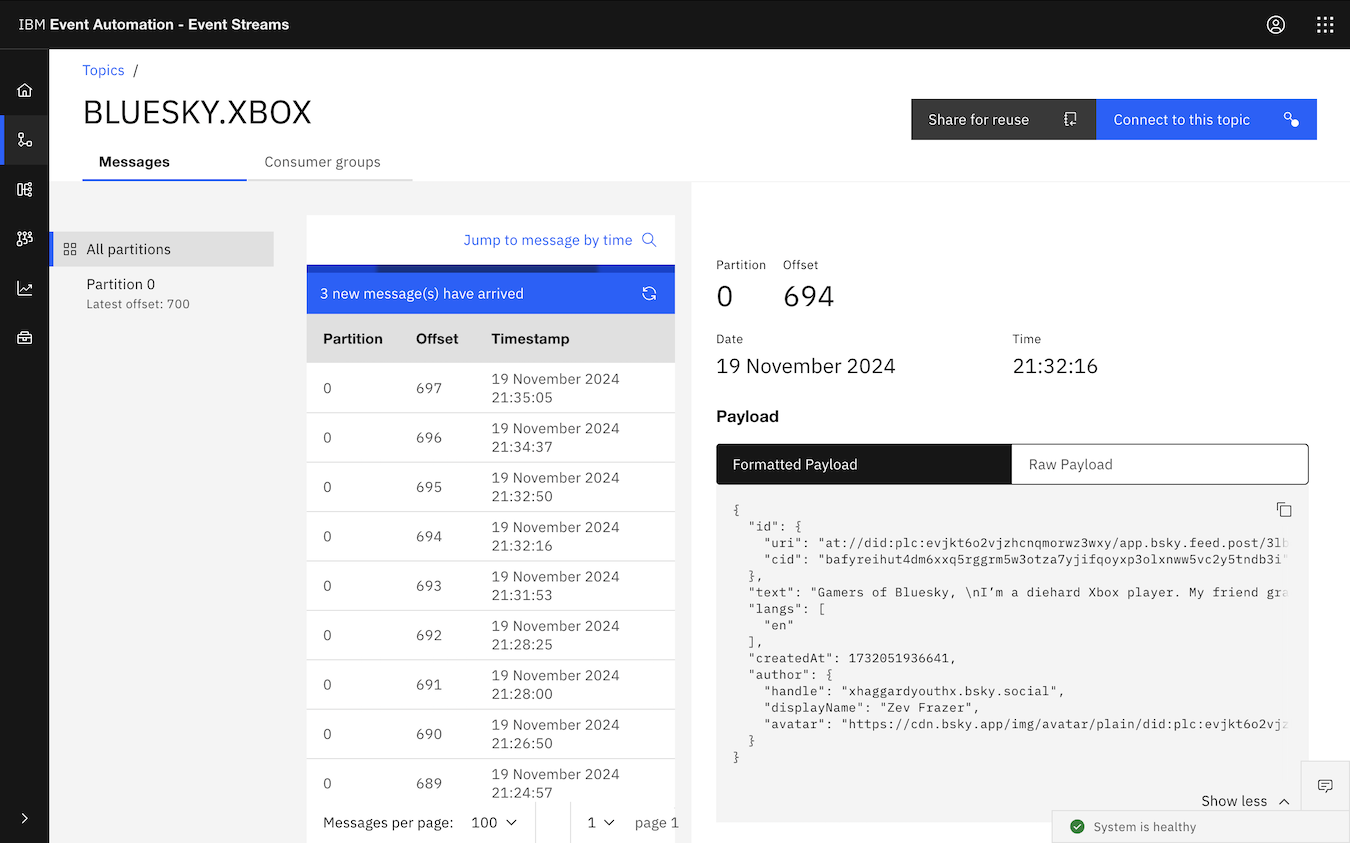
In this post, I want to share a quick demo of using Event Processing to process social media posts.
Background
A fun surprise from Nintendo today: they’ve introduced a new product! “Alarmo” is a game-themed alarm clock, with some interesting gesture recognition features.
I was (unsurprisingly!) tempted…
But that got me wondering how the rest of the Internet was reacting.
In this post, I want to share a (super-simple!) demo for how to look at this – using IBM Event Processing to create an Apache Flink job that looks at the sentiment of social media posts about this unusual new product.
For example, cheat codes. You’d press a specific sequence of buttons on the game controller at a specific time to unlock some “secret” bit of content – like special abilities, special resources, or levels.
Some of these are so ingrained in me now that my fingers just know how to enter them without thinking. The level select cheat for Sonic the Hedgehog is the best example of this: press UP, DOWN, LEFT, RIGHT, START + A during the title screen to access a level select mode that would let you jump immediately to any part of the game.
With this in the back of my head, it’s perhaps no surprise that when I needed to explain pattern recognition in Apache Flink, the metaphor I thought of first was how games of yesteryear could recognize certain button press sequences.
If you think of each button press on the game controller as an event, then recognizing a cheat code is just a pattern of events to recognize.
And once I thought of the metaphor – I had to build it. 🙂
Version 1 (virtual controllers)
There is more detail on how I built this in the git repository, but this is the overall idea for what I’ve made.
In this post, I share a few examples for how to run Event Gateways for Event Endpoint Management.
When we talk about Event Endpoint Management, we often draw logical diagrams like this, with Kafka client applications able to produce and consume events to back-end Kafka clusters via an Event Gateway.
When it comes to start planning a deployment, we need to make decisions about the best way to create that logical Event Gateway layer. This typically includes running multiple gateways, but there are many different ways to do this, depending on your requirements for scaling and availability.
For this post, I want to show two approaches for running two Event Gateways, as a way of illustrating the kind of topologies that are possible.